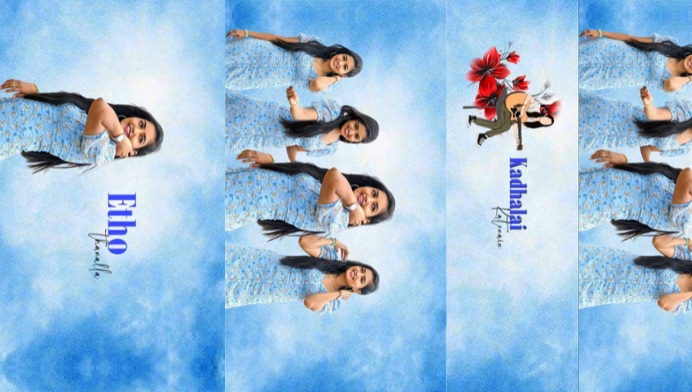
Easy-to-Use Photo Editing Interface
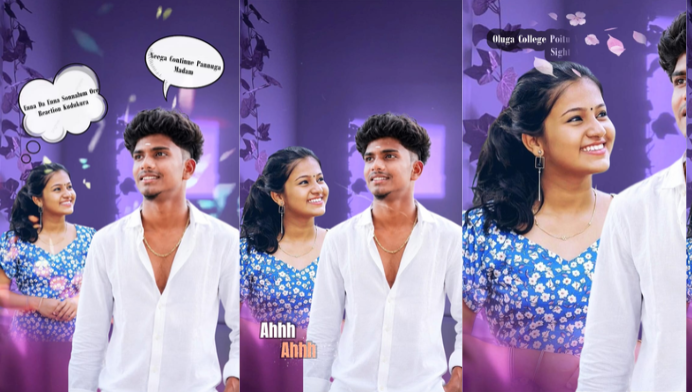
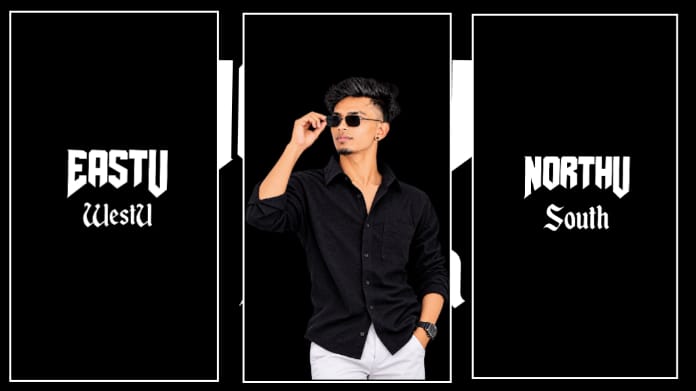
One of the interesting features of the Polish Photo Editor app is its simple and user-friendly interface. Users can easily select pictures from their mobile gallery and start editing without complicated steps. The editing tools are generally organized in an accessible way, making it convenient to find different options. Even beginners can explore the available features and experiment with different editing styles. Its straightforward design helps users save time while creating attractive photographs.
Amazing Filters and Photo Effects
Photo filters and effects play an important role in improving the appearance of pictures. The Polish app offers different creative editing options that allow users to change the overall look and feel of their photographs. Users can experiment with different colour tones, lighting effects and visual styles to create unique pictures. These filters are useful for social media posts, profile pictures, travel photographs and everyday memories.
AI Photo Editing Features
Artificial intelligence is changing the way people edit photographs on smartphones. Polish includes AI-powered editing capabilities that can help users create creative photo transformations, depending on the available app version. These features can make photo editing more interesting by providing automated enhancements and artistic effects. Users can explore the available AI tools to give their photographs a different appearance without requiring advanced editing knowledge.
Background Editing and Removal
Background editing is another useful feature for people who want to create attractive photographs. Users can explore background-related tools to change or improve the appearance of their pictures. Depending on the available features, they may be able to remove unwanted backgrounds, apply different background styles or create more creative photo compositions. This option can be useful for profile pictures, social media designs and personal photo projects.
Beauty and Portrait Editing Tools
For users who enjoy editing selfies and portrait photographs, beauty editing tools can be helpful. The Polish Photo Editor app provides portrait-focused editing options that can help users enhance their pictures. Users can experiment with available adjustments to improve the overall appearance of their selfies. These tools make it easier to create stylish portrait photos for social media profiles and personal collections.
Add Text, Stickers and Creative Elements
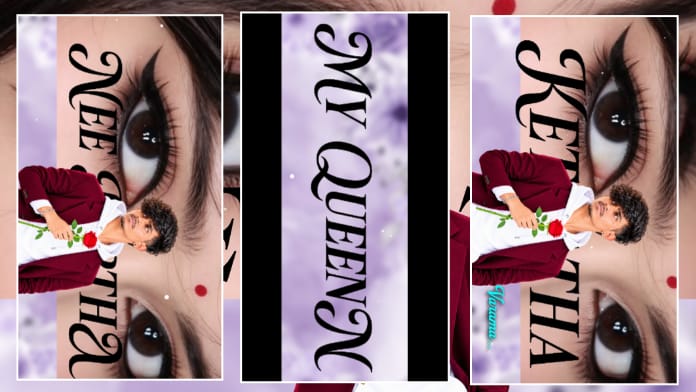
Adding text and stickers can make photographs more attractive and expressive. The Polish app provides creative editing options that allow users to personalize their pictures with different visual elements. Users can add text, explore sticker collections and create unique photo designs. These features are useful for making birthday wishes, social media posts, greeting images and other creative content.
Create Stylish Collages
Photo collages are a great way to combine multiple memories into a single picture. Polish offers collage-related editing options that help users arrange their selected photographs in creative layouts. Users can explore different collage designs and choose suitable arrangements for their pictures. This feature is especially useful for travel memories, family photographs, friendship pictures and special occasions.
Perfect Photo Editing for Social Media
Social media users often look for attractive photographs to share on Instagram, Facebook, WhatsApp and other platforms. The Polish Photo Editor app can help users prepare their pictures with creative filters, effects and editing adjustments. Users can customize their photographs according to their preferred style before sharing them online. It is a convenient option for people who regularly create photo content using their smartphones.
How to Download and Use Polish Photo Editor
Users can search for Photo Editor – Polish on the Google Play Store and check the official application listing before downloading it. After installation, open the application and allow the required photo access permissions. Select a picture from your gallery and explore the available editing tools, filters and effects. Once editing is complete, save the final picture to your device. Always check the app’s latest version and permissions before installation.
Conclusion
Photo Editor – Polish is a useful mobile application for people who want to improve their photographs with creative editing tools and attractive visual effects. Its combination of filters, portrait editing, stickers, collage options and AI-related features makes photo editing more accessible for smartphone users. Whether you want to create stylish selfies, improve everyday pictures or prepare attractive social media posts, Polish provides several options to explore. Users can try its available features and discover different ways to make their photographs look more creative and impressive.