What Is the Canva App?
Canva is an all-in-one design platform that offers photo editing, video editing, graphic design, and AI-powered creative features. Users can create social media posts, YouTube thumbnails, Instagram stories, presentations, invitations, posters, logos, and many other designs. The application is available on smartphones, desktops, and through a web browser, allowing users to work on their creative projects across different devices.
Canva AI Photo Editing Features
Canva provides several photo editing tools that help users improve their pictures quickly. You can adjust brightness, contrast, saturation, sharpness, and other image settings to achieve your preferred appearance. AI-powered editing features can also help users remove unwanted backgrounds, erase selected objects, and make creative changes to images. These tools are useful for creating attractive photographs for personal and professional purposes.
Create Stunning Videos Using Canva
Canva is not limited to photo editing because it also offers convenient video creation tools. Users can combine video clips, images, music, text, transitions, and animations to create engaging content. You can prepare Instagram Reels, YouTube videos, promotional advertisements, and short social media videos without using complicated editing software. Its timeline-based editing interface makes video creation more accessible to beginners.
Explore Canva AI-Powered Tools
Artificial intelligence is an important part of Canva’s creative experience. Depending on your plan and feature availability, Canva AI tools can help generate images, create designs, edit existing pictures, and produce written content. These features can reduce the time required for creative work and provide fresh ideas when users need inspiration. AI features may have usage limits or require an eligible subscription.
Thousands of Ready-Made Templates
One of Canva’s biggest advantages is its extensive collection of ready-made templates. Users can find designs for birthday invitations, business advertisements, resumes, certificates, presentations, posters, social media posts, and more. Instead of creating everything from scratch, you can select a suitable template and customize its colours, fonts, images, and text according to your requirements.
Create Instagram Posts and YouTube Thumbnails
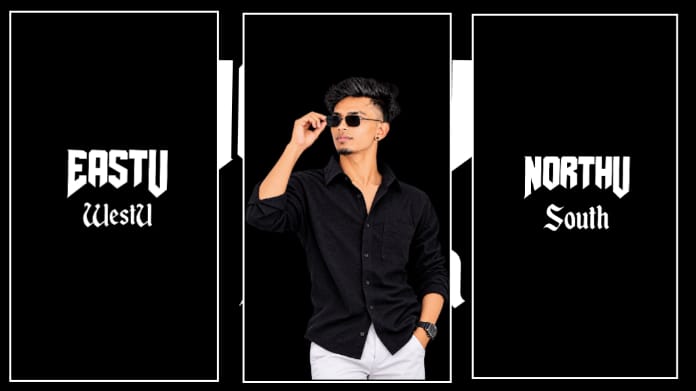
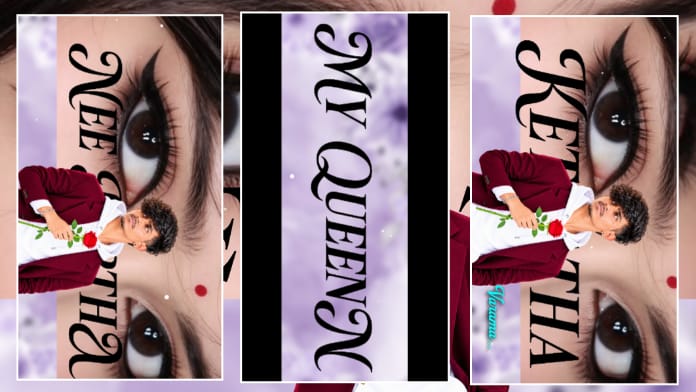
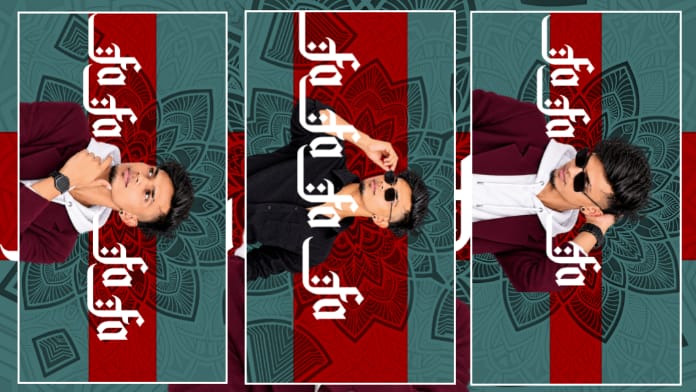
Social media creators can use Canva to prepare attractive content for different platforms. It offers templates and design tools for Instagram posts, Facebook covers, YouTube thumbnails, Pinterest pins, and other digital content. You can add custom text, images, stickers, backgrounds, and visual effects to make your designs more engaging. These options are especially helpful for bloggers, influencers, and digital marketers.
Canva Background Remover and Image Editing
Removing an unwanted background is a common requirement when creating professional-looking photographs and promotional designs. Canva provides a Background Remover feature that can separate the main subject from its background on supported plans. Users can replace the original background with a solid colour, another photograph, or a creative design. Availability may depend on the Canva subscription and account features.
Easy-to-Use Interface for Beginners
Canva is designed to make graphic designing simple for everyone. Its drag-and-drop interface allows users to add images, move text, resize elements, and customize layouts easily. Even people without previous design experience can create attractive graphics by using its built-in templates and editing tools. The application also provides tutorials and design inspiration to help beginners improve their creative skills.
Canva Free and Canva Pro Subscription
Canva offers a free version with several useful design features, templates, and editing options. Users who need additional premium resources can explore Canva Pro, which provides access to more templates, design assets, AI features, and advanced editing tools. Subscription prices and included features may change depending on the country and billing plan. Users should check the official Canva website for the latest details before purchasing.
How to Download and Use Canva
You can access Canva through its official website or download the application from the Google Play Store or Apple App Store. After installing the app, create an account or sign in using an available login option. Select the type of design you want to create, choose a template, and customize it with your preferred images, text, colours, and effects. Once your project is ready, you can download or share it using the available export options.
Conclusion
Canva: AI Photo & Video Editor is a useful creative platform for people who want to design graphics, edit photographs, and create videos using convenient tools. Its ready-made templates, photo editing options, video creation features, and AI-powered capabilities make it suitable for beginners and experienced creators. Whether you want to prepare social media content, YouTube thumbnails, business posters, or personal designs, Canva provides a simple way to bring your creative ideas to life.