
Easy Video Editing for Beginners
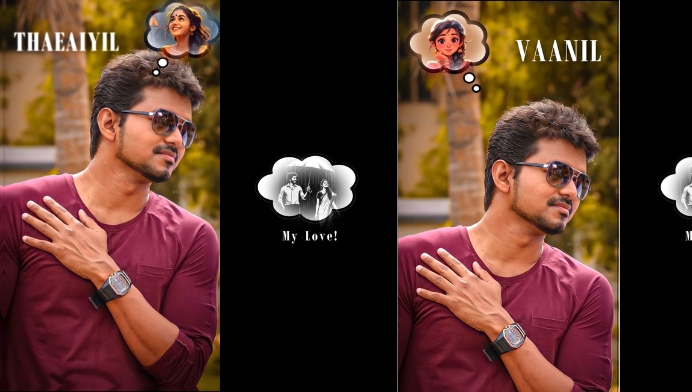
One of the biggest advantages of InShot is its beginner-friendly design. Users do not need advanced video editing knowledge to start creating videos. After importing a video, you can trim unwanted sections, split clips, adjust their duration, and arrange them according to your preferred sequence. The straightforward interface makes it easier for first-time editors to understand the basic editing process.
Create Social Media Videos
InShot is especially useful for people who regularly create content for social media platforms. Videos can be adjusted to suit different screen formats, making it easier to prepare content for platforms that use vertical, square, or landscape videos. This flexibility is helpful when creating Reels, Shorts, Stories, posts, and other forms of social media content.
Add Music and Sound Effects
Music can make a video more engaging, and InShot provides tools for adding audio to your projects. Users can add background music, sound effects, or voice recordings to their videos. Audio can also be adjusted to match the timing of different scenes. Combining suitable visuals with well-selected audio can make simple videos feel more polished and entertaining.
Text, Stickers and Creative Elements
InShot allows creators to personalize videos using text, stickers, emojis, and other visual elements. Text can be useful for adding titles, captions, explanations, or important messages. Stickers and decorative elements can also give videos a more expressive appearance. These customization options are particularly useful for creators who want their videos to have a recognizable personal style.
Filters and Video Effects
Creative filters and effects can significantly change the appearance of a video. InShot provides different options that allow users to adjust the mood and visual style of their footage. Depending on the content, creators can choose a clean, bright, cinematic, colorful, or dramatic appearance. Using effects carefully can help improve the overall presentation without making the video look unnecessarily complicated.
Smooth Transitions Between Clips
When multiple video clips are combined, transitions can help create a smoother connection between scenes. InShot provides transition options that can be used between clips. A suitable transition can make a video feel more professional and maintain the viewer’s attention. However, using transitions thoughtfully is important because excessive effects can distract viewers from the main content.
Adjust Video Speed and Timing
Changing video speed is another useful editing feature for creative projects. Users can make certain sections slower to highlight an important moment or increase the speed of clips to create a faster-paced sequence. Speed adjustments can be especially effective for travel videos, lifestyle content, tutorials, sports clips, and entertaining short videos.
Photo and Video Collage Editing
InShot is not limited to traditional video editing. It can also be used to combine photos and videos into creative projects. Users can create collages, slideshows, and mixed-media content using their personal photos and video clips. This makes the app useful for creating birthday videos, travel memories, event highlights, and other personal projects.
Export and Share Your Finished Videos
After completing an editing project, users can export the finished video for sharing or saving. Before exporting, it is important to check the video dimensions, quality, audio, and overall appearance. Choosing suitable export settings can help maintain good visual quality while keeping the final file convenient for uploading and sharing across different platforms.
Who Can Use InShot?
InShot can be useful for a wide range of users, including beginners, social media creators, students, vloggers, small businesses, and casual video editors. Someone who simply wants to edit a family video can use its basic tools, while a content creator can combine music, text, effects, transitions, and filters to produce more engaging social media content. Its combination of simplicity and creative features makes it suitable for many everyday editing needs.
Why Choose Video Editor & Maker – InShot?
Video Editor & Maker – InShot stands out because it brings many useful editing features together in a mobile-friendly application. Its simple workflow makes video editing accessible to beginners, while its creative tools give experienced users more ways to customize their content. If you are looking for a convenient way to edit videos, add music, apply effects, create social media content, and personalize your clips, InShot can be a practical option to explore.




