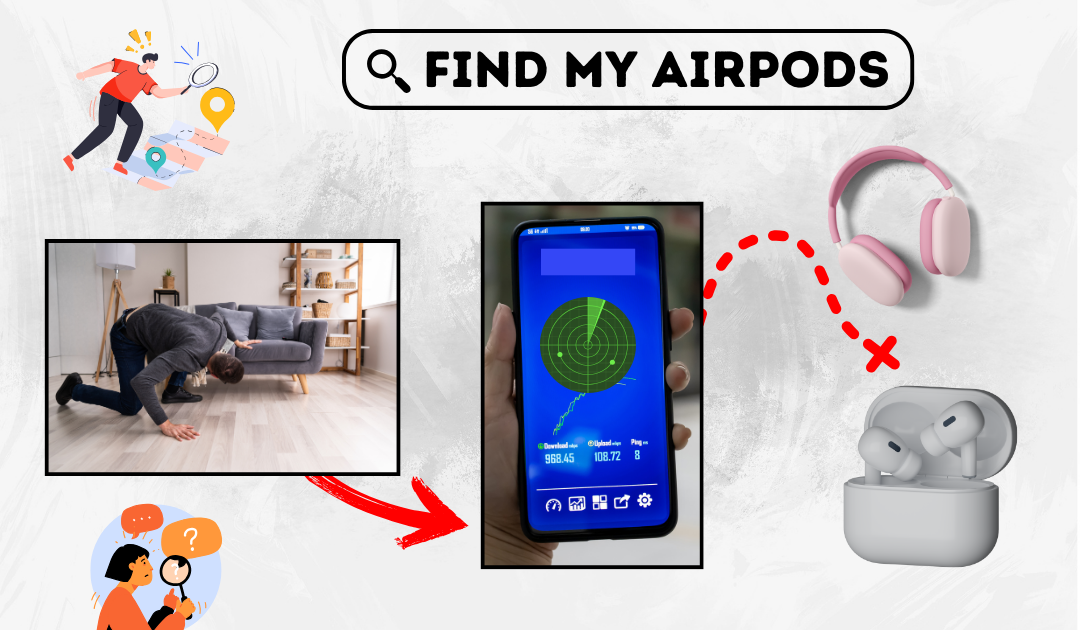
Find My Bluetooth Device: How to Locate Your Lost Gadgets
Bluetooth devices have become an essential part of daily life, connecting everything from headphones to smartwatches. However, losing a Bluetooth device can be frustrating. Fortunately, there are several methods to locate your lost gadgets quickly and efficiently.
Understanding Bluetooth Technology
Bluetooth is a short-range wireless technology that enables devices to communicate with each other. It works within a limited range, typically up to 30 feet, which makes finding a lost device feasible if it is nearby. Understanding the range and limitations of Bluetooth can help in the search process.
Using Built-in Tracking Features
Many modern smartphones and operating systems offer built-in tracking features. Apple users can use the “Find My” app to locate AirPods and other compatible Bluetooth devices. Android users can rely on Google’s “Find My Device” feature if their gadget is connected to their Google account.
Third-Party Bluetooth Tracker Apps
Several apps are available to help locate lost Bluetooth devices. Apps like Find My Headphones & Earbuds, Wunderfind, and BLE Scanner use Bluetooth signals to determine the proximity of a missing gadget. These apps typically provide a signal strength meter, guiding users toward their lost device.
Checking Recent Connection History
Smartphones and computers often store connection histories. Checking Bluetooth settings may reveal the last known connection time and location, providing clues about where the device was last used.
Listening for Sound Cues
If the missing device has speakers, playing audio through it can help locate it. Many Bluetooth earphones and speakers allow users to play a sound via a connected app, making it easier to find them in close proximity.
Manually Searching High-Traffic Areas
Retracing steps and checking commonly used locations is a practical way to find a lost Bluetooth device. Places such as desks, couches, car seats, and bags should be thoroughly searched. Since Bluetooth devices have a limited range, they are likely to be found within frequently visited areas.
Using a Bluetooth Signal Strength Meter
Some tracking apps and smartphones provide signal strength indicators. Moving around while monitoring the Bluetooth signal strength can help pinpoint the device’s exact location. The closer the device, the stronger the signal.
Preventing Future Losses
To avoid losing Bluetooth devices in the future, enabling location tracking services and using Bluetooth tracker tags can be helpful. Keeping devices in designated spots and using accessories like keychains or cases with built-in trackers can also prevent frequent misplacement.
Losing a Bluetooth device can be stressful, but using built-in tracking tools, third-party apps, and signal strength indicators can simplify the search process. By retracing steps, checking connection history, and listening for sound cues, most lost Bluetooth devices can be found quickly. Taking preventive measures can also help ensure that valuable gadgets remain secure and easily accessible.